Export X Followers
Export your X (Twitter) followers and following list data to CSV or Excel for personal backup, reporting, and account management. Works directly in your browser.
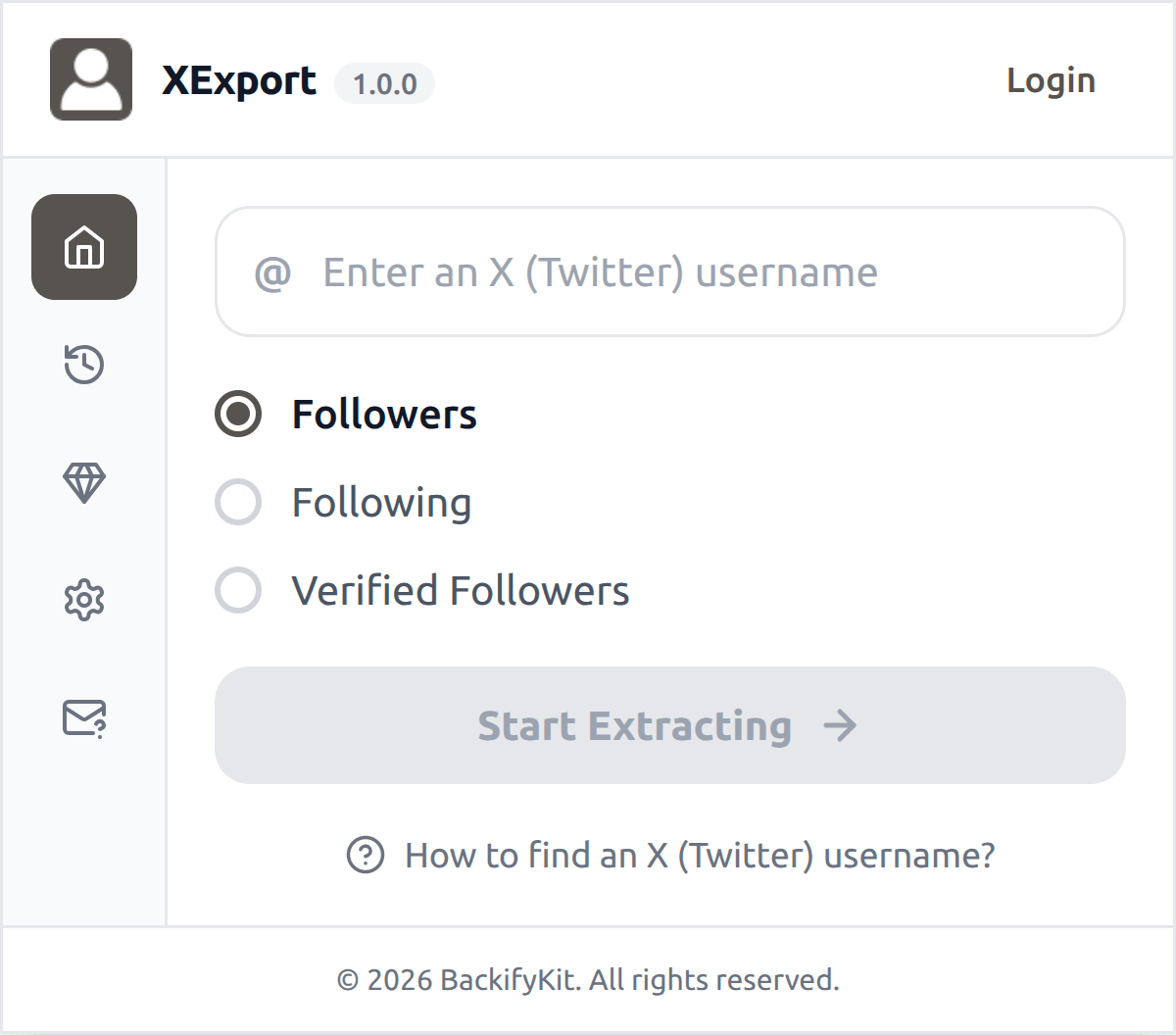
X Followers Exporter
TwExport helps you save available followers and following lists from X (Twitter) profiles to CSV or Excel. Use it to organize permitted, accessible data for your own analysis and recordkeeping.

Designed for lawful, authorized use
Only export data you are permitted to access, and use exported data responsibly.
Privacy-first export
The extension runs in your browser. Exported data is processed locally on your device and downloaded directly to your computer. We do not collect or store your exported data.
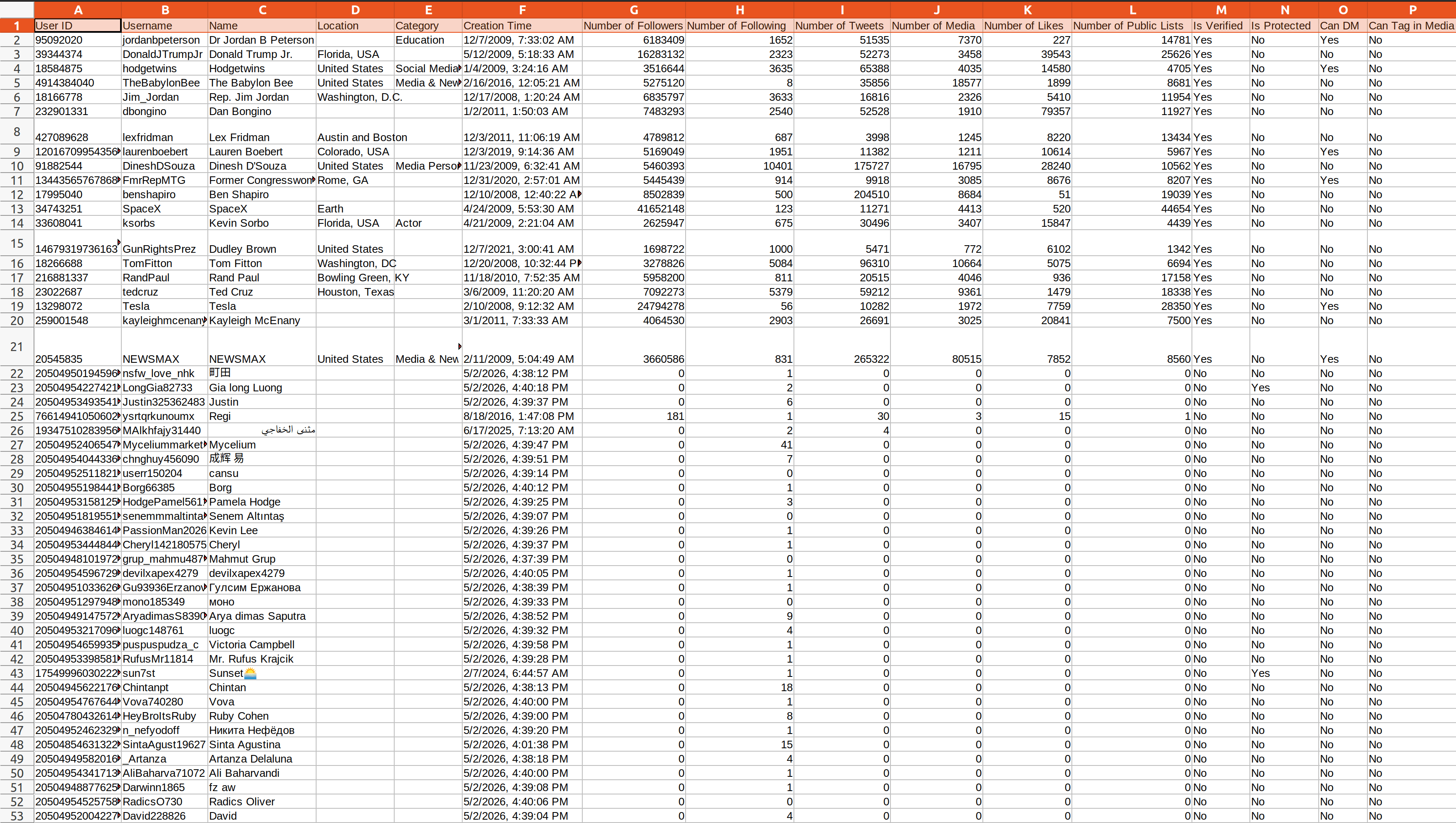
What type of data can you export via our Twitter Followers Exporter
Supported fields depend on account access, privacy settings, and platform availability.
| Field Name | Description |
|---|---|
| User ID | A unique identifier assigned to each X user. |
| Username | The public name that an X user chooses to represent themselves. |
| Name | The name of an X user. |
| Location | The location information of an X user. |
| Category | The professional category that an X user identifies themselves with. |
| Creation Time | The account creation time of an X user. |
| Number of Followers | The total number of followers an X user has. |
| Number of Following | The total number of users an X user follows. |
| Number of Tweets | The total number of tweets an X user has posted. |
| Number of Media | The total number of videos or photos an X user has posted. |
| Number of Likes | The total number of tweets an X user has liked. |
| Is Verified | Indicates whether the X account is verified or not. |
| Is Protected | Indicates whether the X account is private or not. |
| Can Tag in Media | Indicates whether the X account can be tagged in media. |
| Possibly Sensitive | Indicates whether the X account's content may be sensitive. |
| Biography | The text that an X user has written about themselves. |
| URLs in Biography | The URLs displayed in the X user's profile biography text. |
| User Homepage | A link to the user's X homepage. |
| Avatar URL | The URL of the X user's profile picture. |
| Profile Banner URL | The URL of the X user's profile banner. |
Start for free today
Sign up for a free plan today and export your Twitter/X follower data.
Pricing
Start for free, stay for the value.
Free
$0
Get started for free
- Export up to 300 followers or following per time
- Save data as CSV or Excel
- Resume export tasks from history
Pro
$12/month
Maximize your results with the Pro Plan
- Export more available followers or following per time, subject to platform availability
- Save data as CSV or Excel
- Resume export tasks from history
- Priority customer support
Frequently asked questions
Feel free to contact us if you have any other questions.
What is TwExport?
TwExport is a tool that helps you export available X (Twitter) followers and following data to a CSV or Excel file for accounts you are authorized to access. It can help with audience research, reporting, and internal recordkeeping when used responsibly.How to find an X (Twitter) username?
Go to the X (Twitter) profile page. The username appears after the @ symbol below the display name, e.g. @elonmusk.
How to use TwExport?
1. Enter an X username and click "Start Extracting" 2. Wait for the process to complete, then download your dataWhat is X rate limit?
X (Twitter) enforces API rate limits (typically per 15-minute window). Follower data has stricter limits than following data. TwExport automatically manages these limits by pausing and retrying, ensuring a smooth export process.
How to upgrade my plan?
To upgrade your plan, please contact our support team with your desired plan details—they’ll handle the upgrade for you.Can I cancel my subscription?
You can cancel your subscription at any time through your extension's subscription page. Once canceled, you will retain access to the subscription until the end of your billing cycle.